 Thinkograf
Draw the thing you’re talking about.
Thinkograf is a canvas on your Mac that your coding assistant can draw on. Ask for a diagram and it appears, node by node. Then move it, colour it, and keep it in your repo next to the code it explains.
0.1.20 · 3.6 MB · macOS 14 or later · Apple silicon
Recorded from the app. The assistant panel is a stand-in, because any MCP client works and none of them should be the one in the picture — the two calls it names are the calls that really ran, and the canvas beside it is the real result.
Connect once. Then just ask.
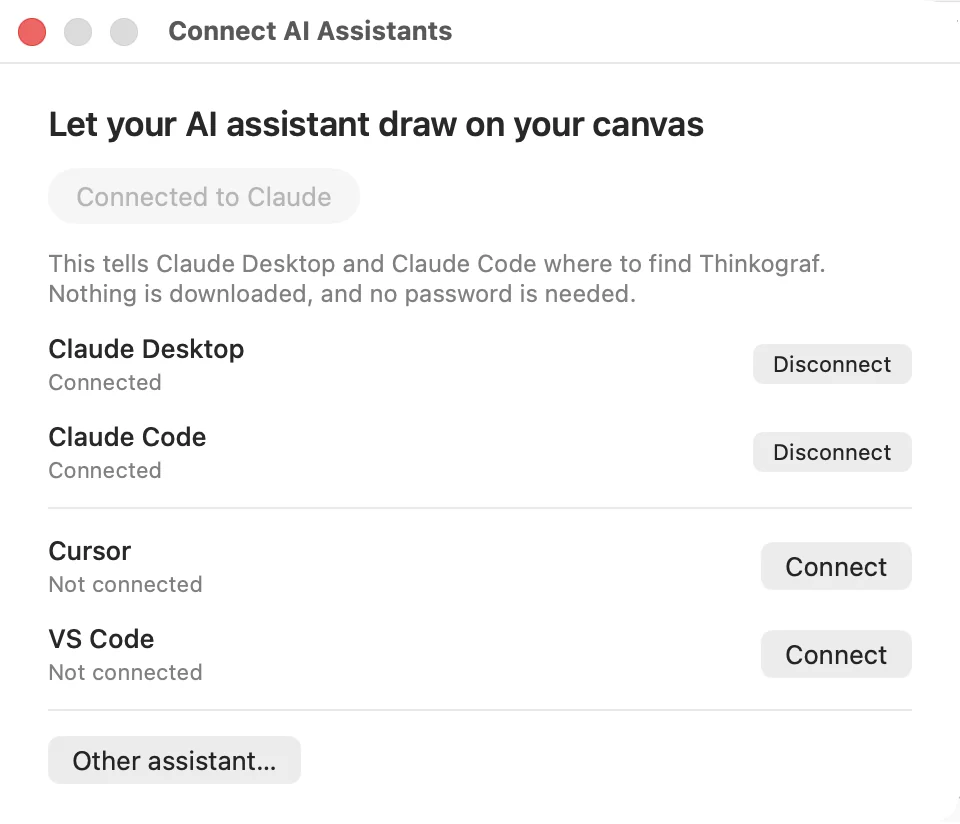
Thinkograf speaks MCP, so it works with whatever assistant you already have open: Claude Desktop, Claude Code, Cursor or VS Code.
Connect a client
One sheet, four buttons. Thinkograf writes its MCP server into the client’s own config file, and the dot in the corner of the canvas turns green.
Ask for a diagram
Your assistant calls create_canvas, then add_nodes in rounds — the trunk first, then a call per branch. The canvas fills in while you watch.
Take it over
Move nodes, change their shape and colour, size them, give them icons. Nothing snaps to a grid and nothing is laid out for you.
Commit it
Each canvas is a .tgraf file. It sits where the code sits and goes into the same commit as the change it describes.
Any MCP client, not one product.
Thinkograf speaks MCP, so it works with whatever you already have open. Pick a client and it writes the server entry into that client’s own config — no JSON to paste, no path to find.
Your assistant draws, and you watch it happen.
Ask for the shape of a problem and it arrives as nodes and connections — the trunk first, then each branch in its own call. Nothing appears until a call finishes, so a diagram lands in readable pieces rather than one node at a time.
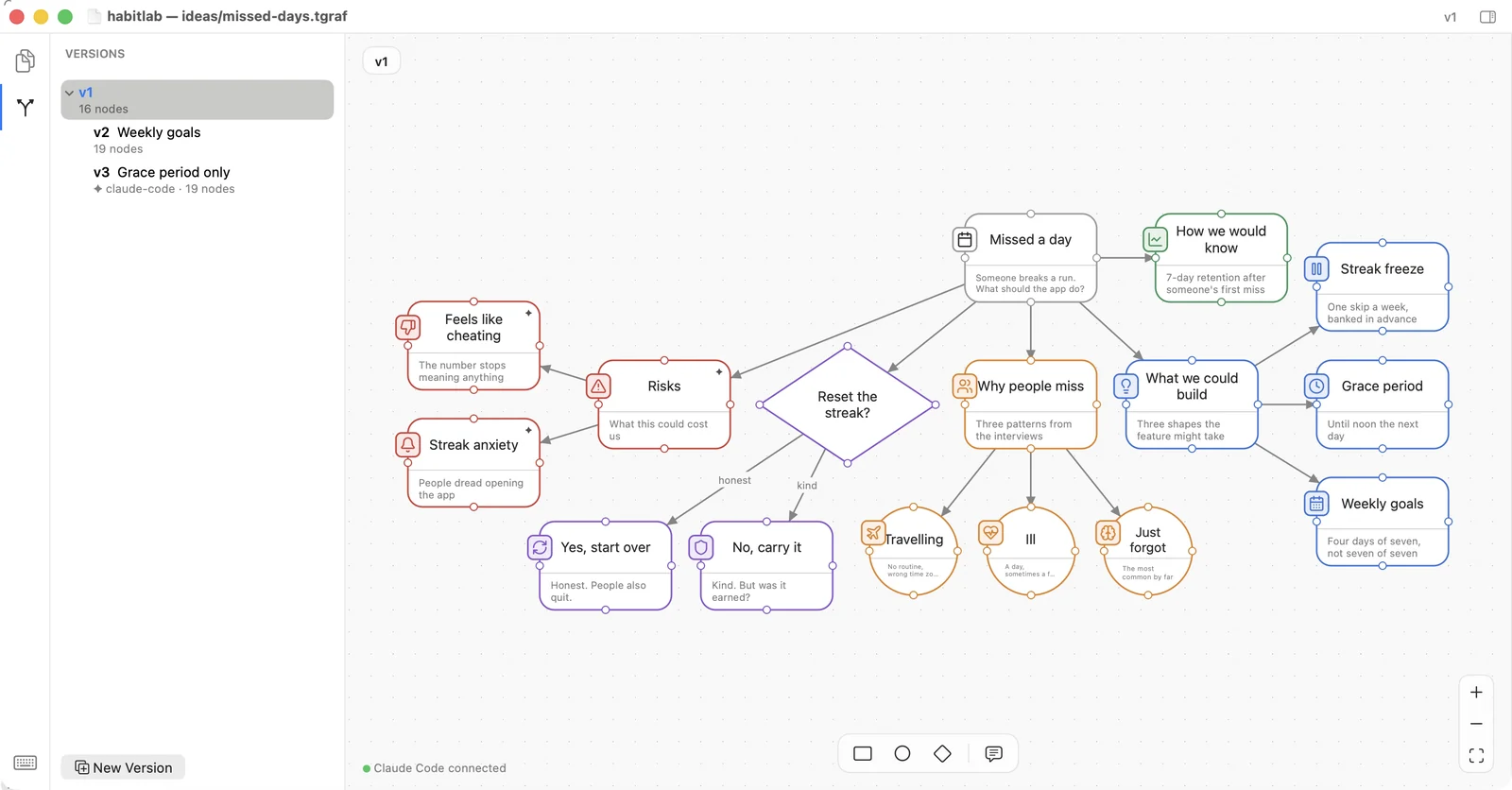
Rectangle, circle, diamond. Placed where you put them.
Thinkograf is a thinking tool, so it does not tidy up after you. There is no grid snapping and no automatic layout. A node sits where you drop it, at the size you gave it.
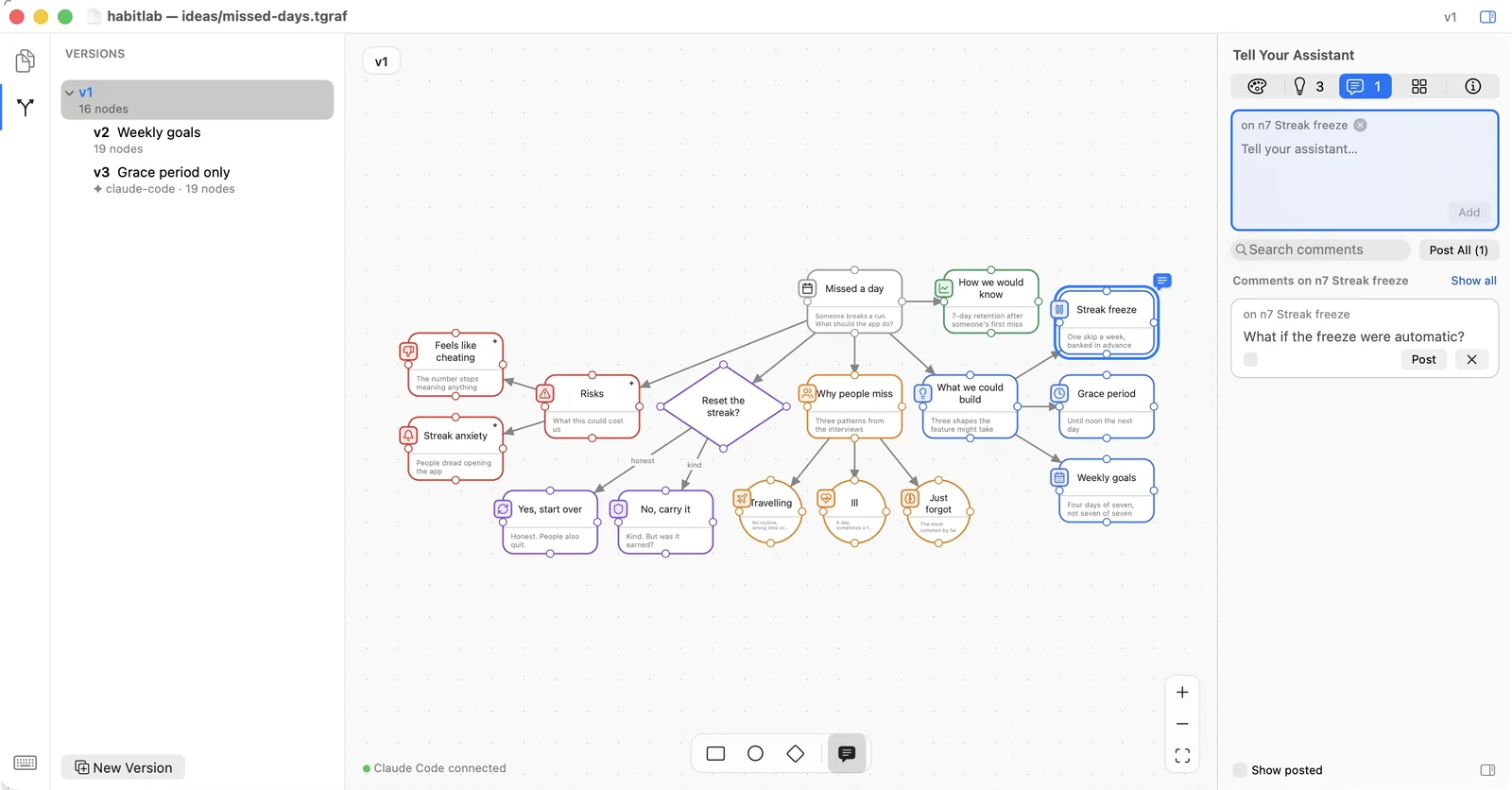
Leave a note on a node. Get an answer in place.
Pin a comment where the question actually is and post it. Your assistant reads it with the node it is attached to, and answers on the canvas — not in a chat window somewhere else.
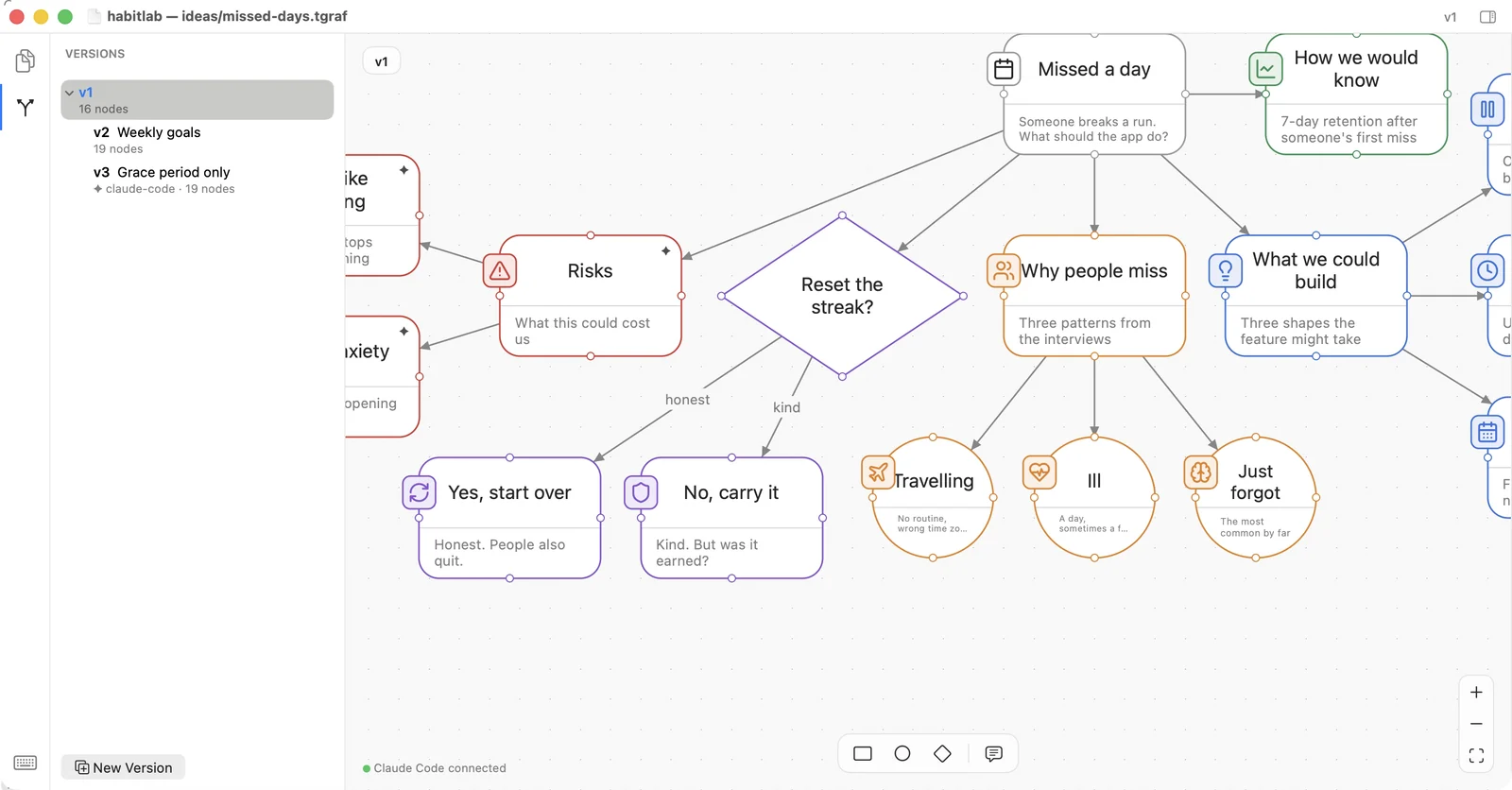
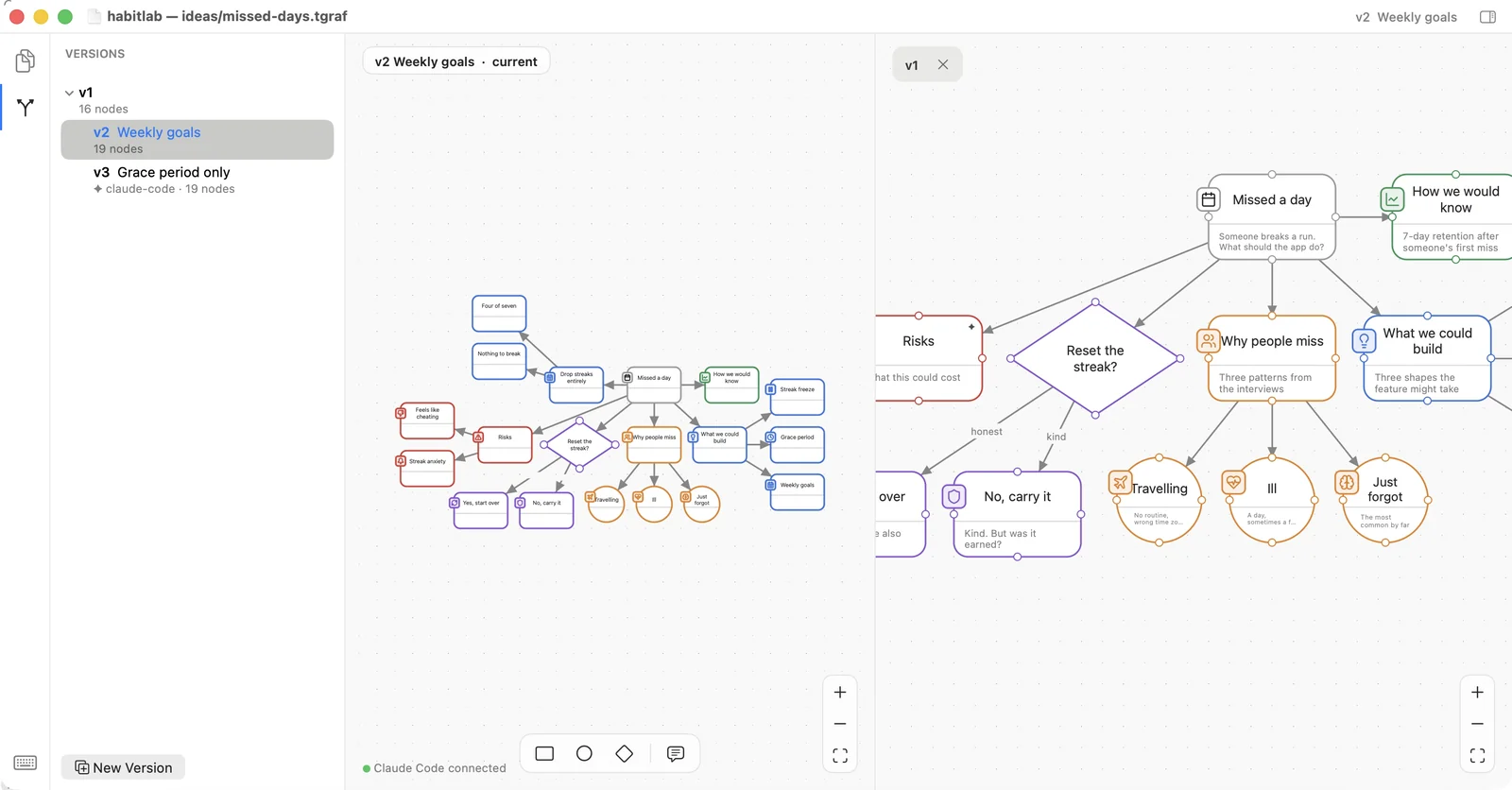
Two versions, side by side, each framed on its own.
Open a second version in a split and look at both at once. Each half keeps its own camera, so you can hold one steady while you move around the other.
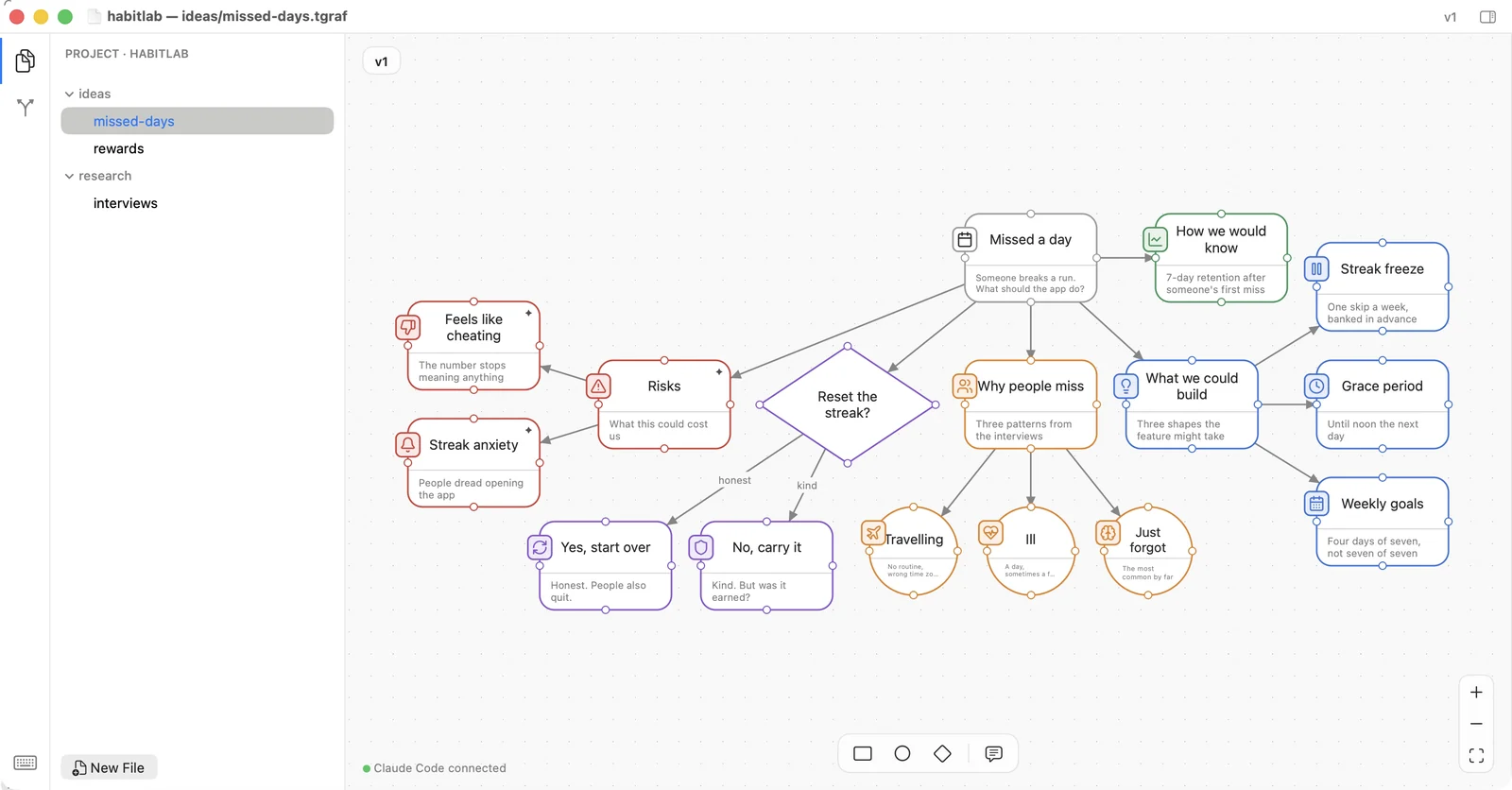
Every canvas is a file where the code is.
A .tgraf file lives in the project, not in an account. It is listed by its path, it opens from Finder, and it goes into the same commit as the change it explains.
The app is never the slow part.
Ten thousand nodes open in under a second and cost nine megabytes more than one thousand. When an assistant builds a diagram, Thinkograf’s share of the wait is a tenth of a per cent.
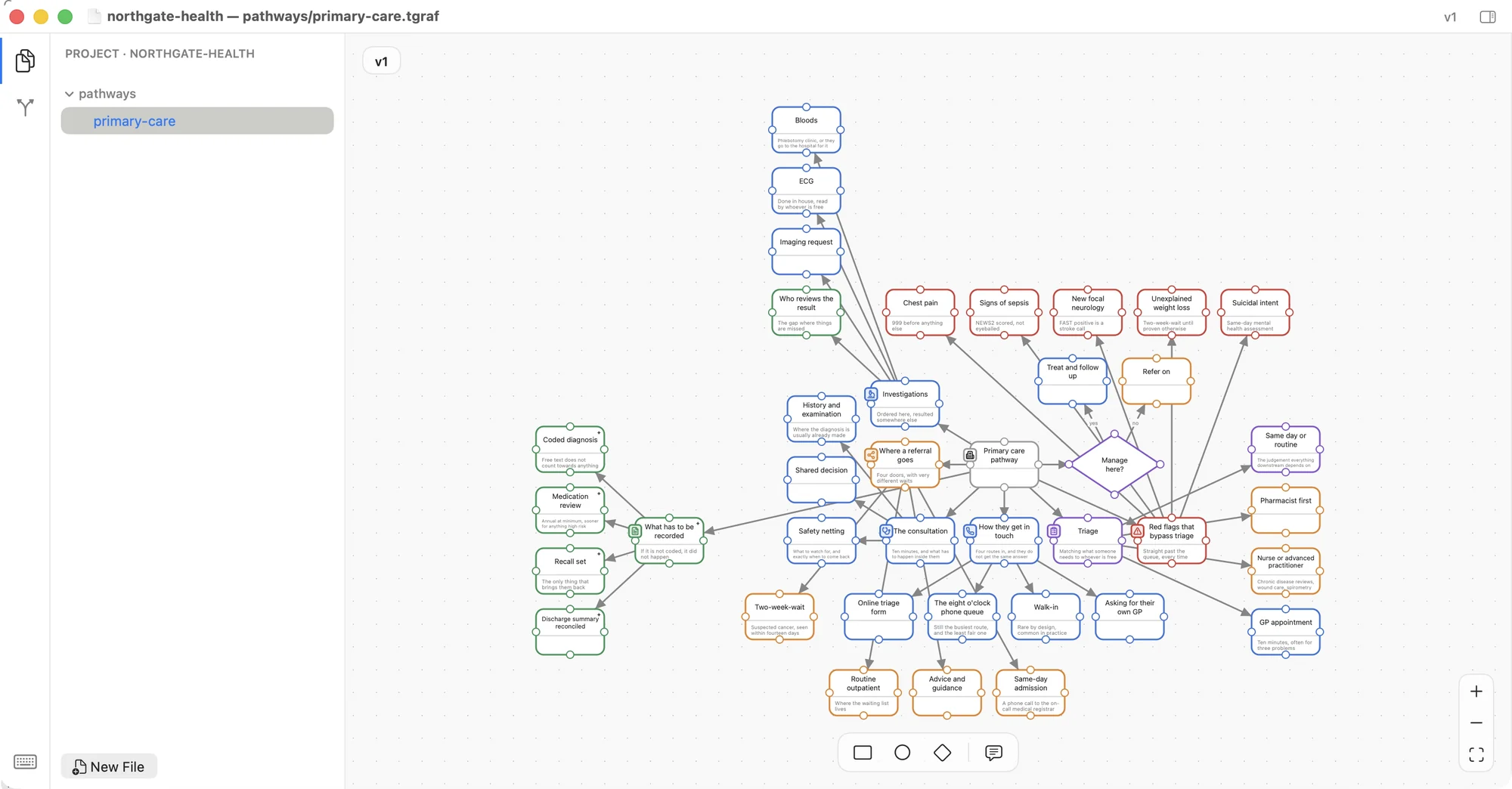
Four canvases, drawn the way you’d draw them.
Each one is a real .tgraf file sitting in a repo, built the way an assistant
builds them — the trunk first, then a call per branch.
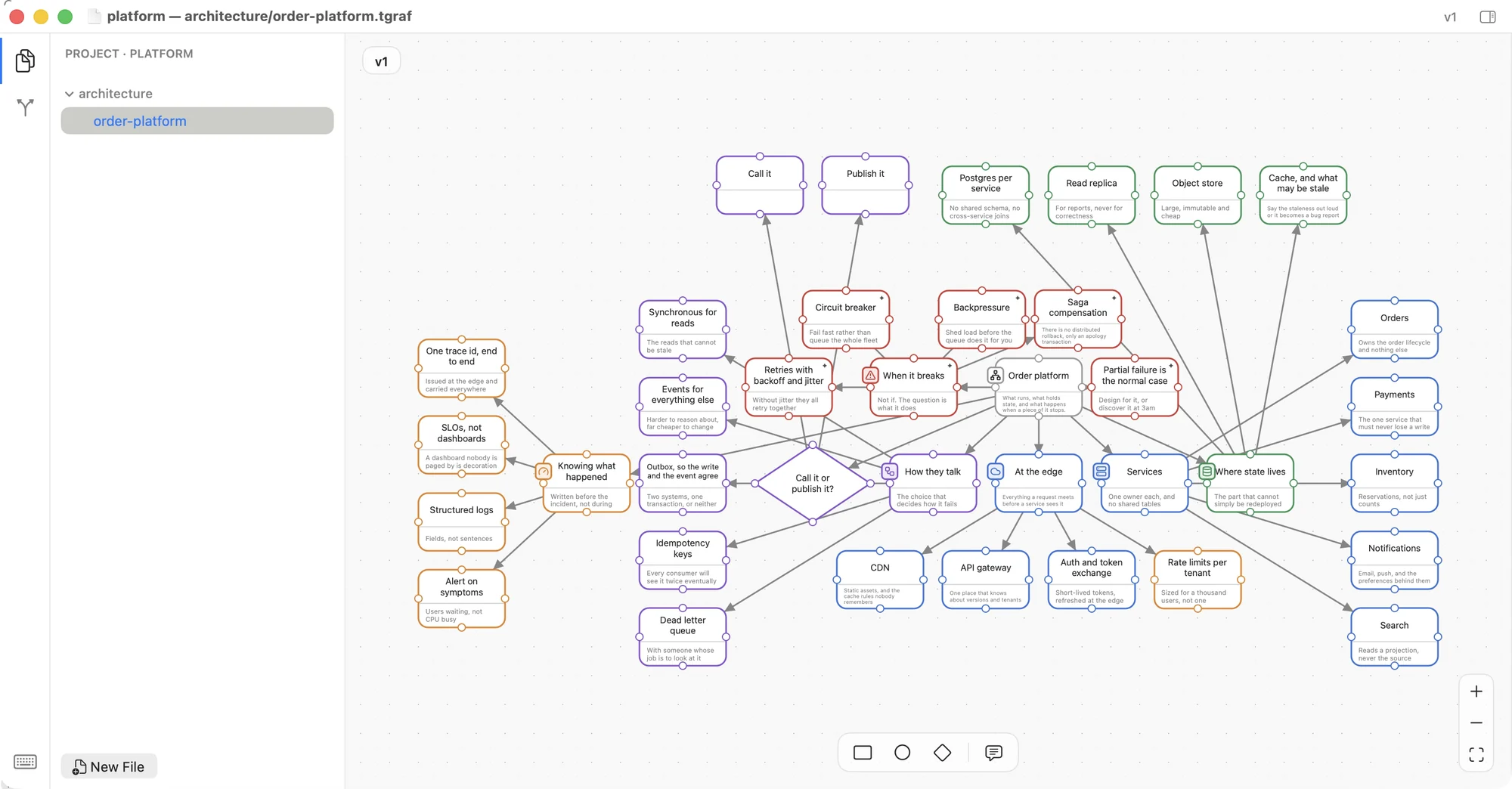
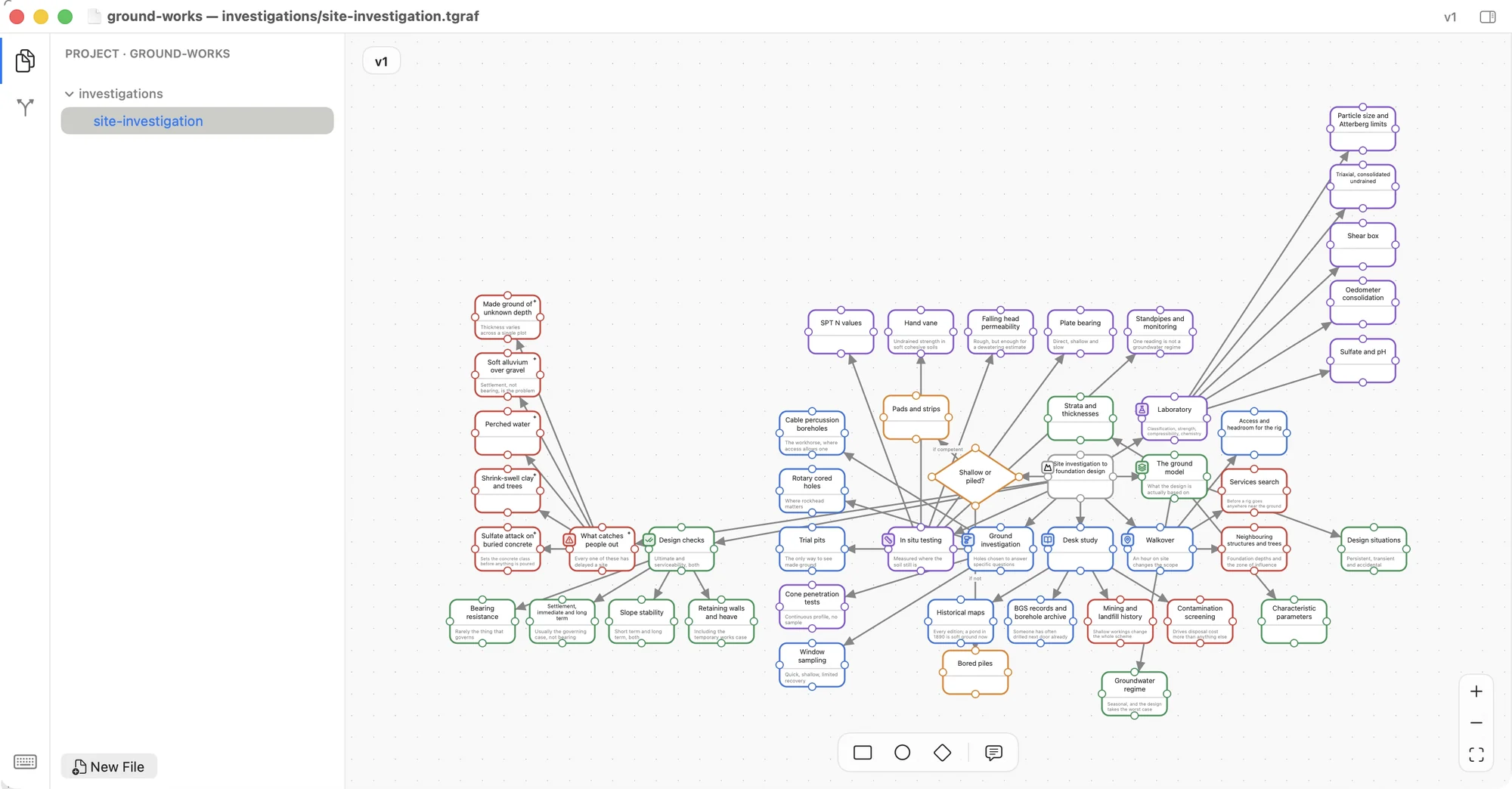
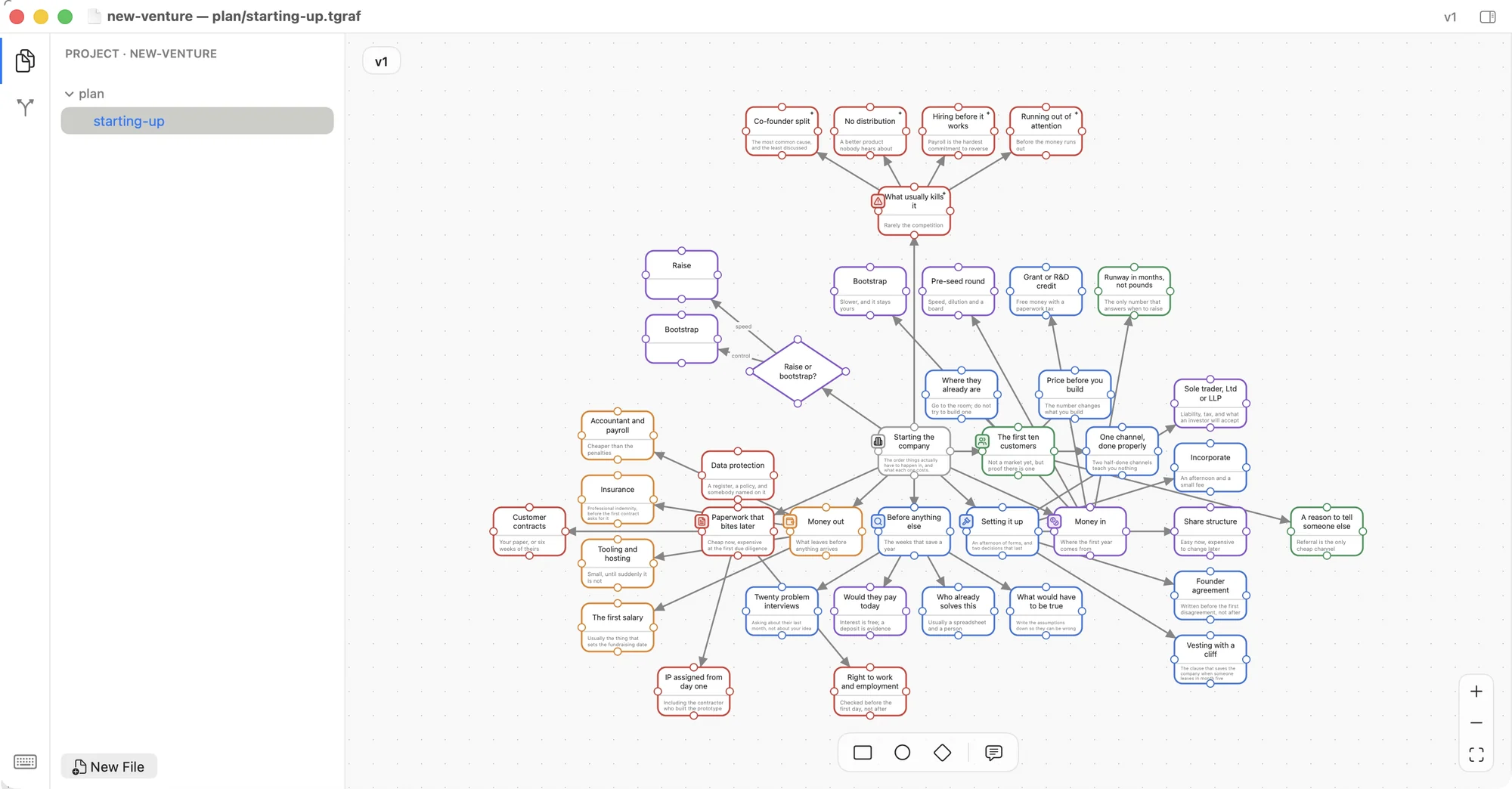
Eighteen things it does, in eighty seconds.
Recorded from the app, not animated. Silent — there is nothing to listen to.
Try the alpha.
It is early, and it is not signed or notarized yet — macOS will ask you to allow it once, in Privacy & Security. After that it is just a Mac app.
3.6 MB · macOS 14 or later · Apple silicon · no account needed